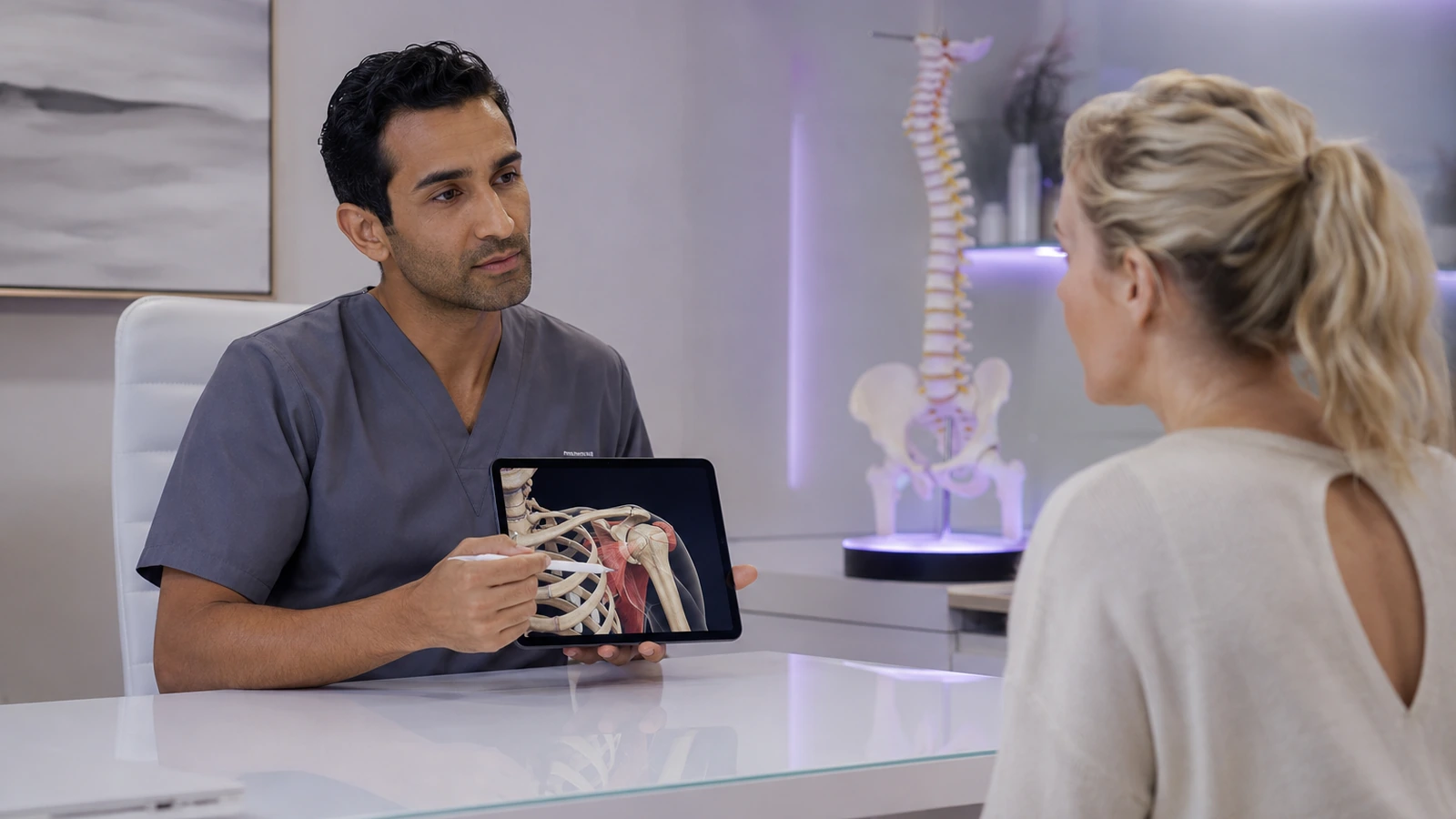
Most clinics do not lose patient trust because the clinician lacks expertise. They lose clarity in the few minutes when a complex body part, a new diagnosis, or a treatment plan has to be explained quickly. In those moments, words alone are often not enough, and static diagrams rarely match what the patient is actually struggling to picture.
That problem matters more in 2026 because patient communication now sits inside a noisier information environment. Patients arrive with screenshots, AI-generated summaries, and mismatched mental models of what is happening inside their own bodies. The clinician’s job is not to out-talk the noise. It is to make the explanation clearer, simpler, and easier to remember.
The direct answer is that a mobile 3D anatomy explanation workflow can help if it stays tightly focused: show the relevant structure, explain the relationship, and confirm understanding before the visit moves on. The goal is not a flashy demo. It is cleaner patient comprehension under time pressure.
Why explanation quality matters more than ever
That combination matters for clinics. Communication quality is not a soft extra. It influences whether patients know what happens next, whether they understand why a symptom matters, and whether they leave the room with the right level of confidence rather than borrowed language they cannot use later.
A 3D anatomy app becomes valuable when it helps a specialist translate complexity into a simple, visual story the patient can repeat back in their own words.

A real short-visit scenario
Imagine an orthopedic clinic visit where a patient has persistent shoulder pain and has heard three inconsistent explanations before arriving. The clinician can describe the rotator cuff, point to a flat diagram, and still watch the patient nod without really understanding where the injury sits or why a movement triggers pain.
In a short visit, that misunderstanding becomes expensive. The patient may agree to the plan, go home, and then struggle to remember the explanation or to describe it to a family member. Follow-up questions multiply because the original explanation never became concrete.
A better communication tool in this setting does one thing well: it turns invisible anatomy into a visible, controlled explanation that still fits inside the real visit rhythm.
A simple visual explanation workflow for clinics
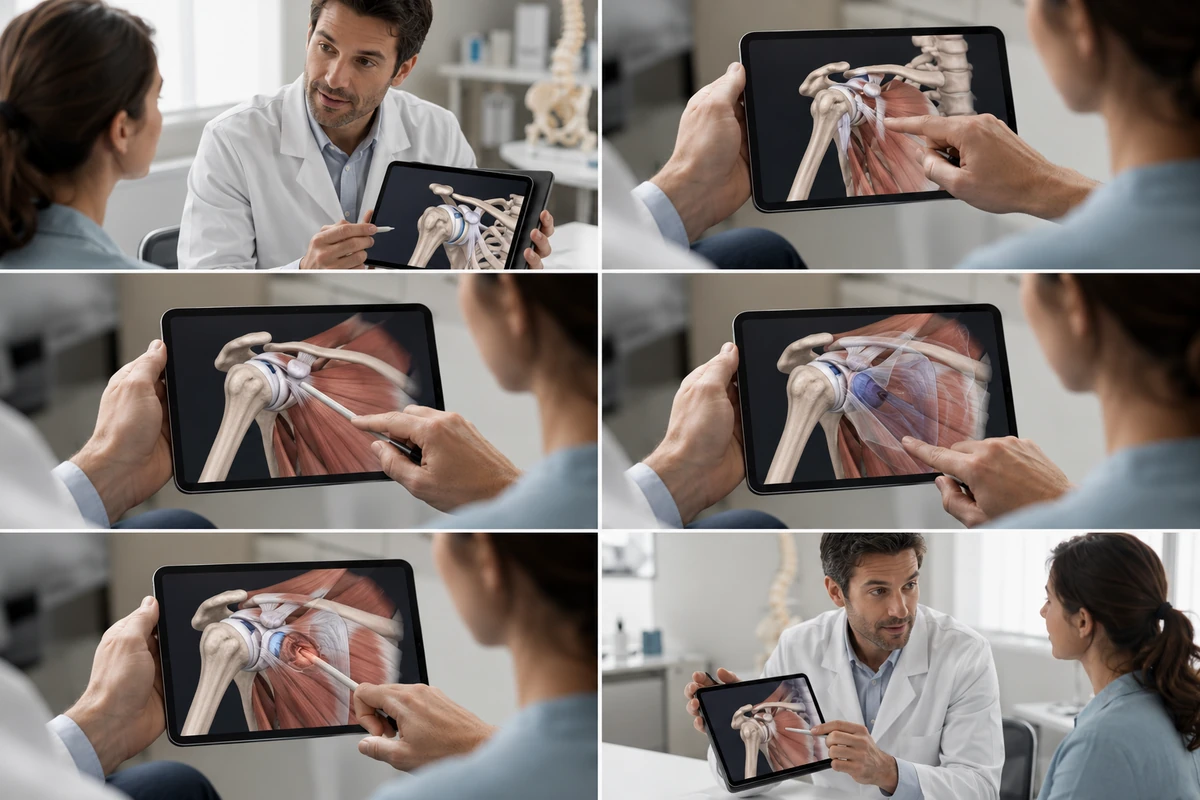
A practical clinic workflow has four steps. First, identify the one structure or relationship the patient must understand today. Second, show that structure in a clean 3D view rather than opening a broad anatomy tour. Third, isolate or peel back layers only as needed so the patient can see what lies where. Fourth, return to the treatment or next-step explanation immediately.
That sequence matters because it prevents the tool from becoming a distraction. The app should shorten the path to understanding, not add extra cognitive load. The clinician remains the interpreter, and the visual does the work of making location, depth, and relation easier to grasp.
For a clinic audience, the strongest use case is usually narrow and repeatable: shoulder, spine, knee, sinus, pelvic floor, or another region where spatial confusion routinely slows the explanation.
How teach-back keeps the explanation honest
That is why clinic anatomy explanation articles are a helpful contextual link for this lane. The communication workflow matters as much as the software itself.
Where MeduTechs fits into the visit without becoming the visit
MeduTechs fits best when the clinic use case stays disciplined. AR Anatomy helps when a clinician wants to anchor the explanation in one spatial view. Hide-Unhide is helpful because it lets the conversation move layer by layer without overwhelming the patient. The Description Panel can support clinician clarity, but it should stay behind the explanation rather than become a reading exercise in the room.
The key is that the app does not replace the clinician’s judgment or bedside communication. It gives the clinician a cleaner canvas for the explanation they were already trying to give. That is a meaningful difference.
If this kind of workflow fits your practice, explore MeduTechs after the communication model is clear. The product should follow the workflow, not lead it.
Common communication mistakes clinicians make with visual tools
The first common mistake is showing too much anatomy. Patients rarely need a full-system tour. The second is using the app as a monologue tool instead of as a shared explanation space. The third is skipping confirmation of understanding because the patient seemed reassured in the moment.
Another mistake is assuming every patient wants the same level of detail. Some need a structural explanation. Others need one visual plus a plain-language next step. A good clinic workflow keeps the anatomy precise but the communication flexible.
When those mistakes are avoided, a visual tool can make the visit feel more professional and more humane. When they are not, even a beautiful app can become another source of overload.
What to test in your clinic next week
That is the right standard for adoption. A tool earns its place in clinic when it improves understanding inside the real constraints of time, attention, and workflow. If it cannot do that, it belongs in marketing, not patient communication.
Used well, 3D anatomy explanation is not extra complexity. It is a faster route to shared understanding.

See clinic anatomy explanation articles for more context from the same audience lane.
If this visit model fits your practice, explore a clearer clinic anatomy workflow to see the MeduTechs setup.
Sources and further reading
- WHO Health Literacy Fact Sheet (2025-12-22; official) - AHRQ Tool: Teach-Back (2023-05-01; official) - Making ChatGPT Better for Clinicians (2026-04-22; official) - Building for the Intelligence System on Android (2026-05-12; official)
Continue reading
Frequently asked questions
References
- WHO Health Literacy Fact SheetTrust A- Health information must be understandable, actionable, and designed around people’s communication needs.
- AHRQ Tool: Teach-BackTrust A- Teach-back is an evidence-based communication method that improves understanding and patient safety.
- Making ChatGPT Better for CliniciansTrust A- Clinician adoption of AI is rising, but trust and workflow fit remain central.
- Building for the Intelligence System on AndroidTrust A- Android is becoming a stronger distribution layer for intelligent, context-aware mobile workflows.